





































Photopea Apžvalga: Free Browser Photoshop Clone
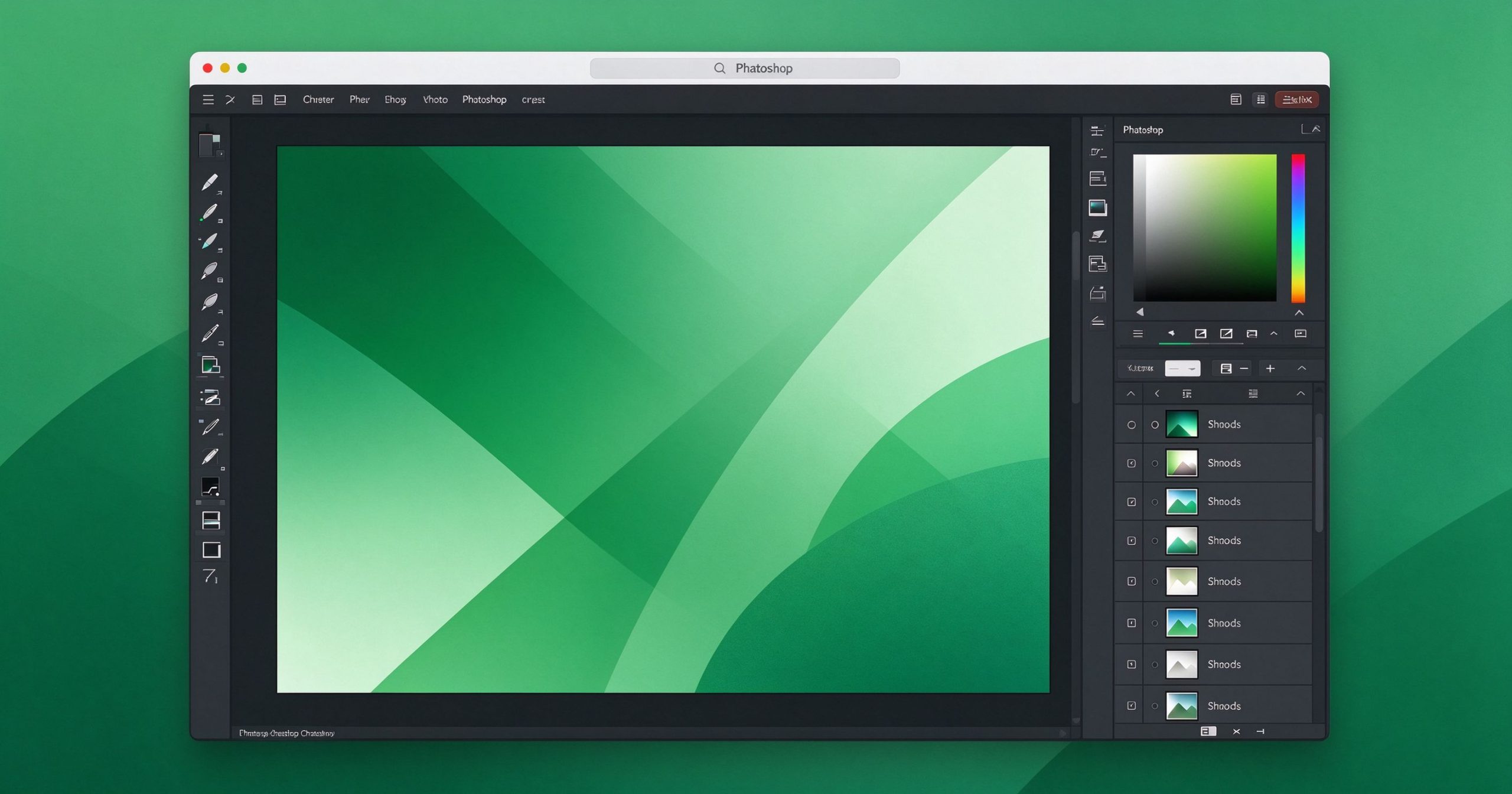
Photopea is a free, browser-based graphics editor that looks and works like Photoshop. It opens and edits PSD, XCF, Sketch, and RAW files without installing anything, making it the fastest Photoshop alternative for quick edits on any device.
Kam naudojama Photopea?
- Open and edit Photoshop PSD files with layers intact.
- Photo retouching, cutouts, text, masks, and filters in the browser.
- Work with both raster (PSD) and vector (SVG) formats.
- Export to PNG, JPG, WebP, SVG, PDF, or PSD.
Pagrindinės savybės
- Runs in any modern browser on Windows, macOS, Chromebook, or tablet.
- Layer styles, smart objects, adjustment layers, and brushes.
- Supports custom fonts and stock images inside the editor.
- No install and no account required.
Privalumai ir trūkumai
Privalumai: Free, zero install, real PSD compatibility, works on Chromebooks. Trūkumai: Shows ads, advanced work needs a fast connection, large files can lag.
Kainodara
Photopea is free with ads; a premium ad-free license is available monthly.
Išvada
The best free option when you need Photoshop features but cannot or will not install it.
Atrakinkite Telegram grupę, kad pasiektumėte visus šios svetainės įrankius
Vienkartinis US$5 mokestis suteikia prieigą prie Telegram grupės ir visų šios svetainės įrankių. Be prenumeratos.
Įjunkite JavaScript, kad saugiai patikrintumėte mokėjimą ir pamatytumėte pakvietimo nuorodą.
Share this article
