





































Adobe Acrobat is the application that created the PDF format, and nearly thirty years later it is still the reference point for PDF work. It reads, edits, creates, signs, OCRs and secures PDF files. It is also expensive and subscription-only, which is why a whole ecosystem of cheaper PDF tools exists. The question is not whether Acrobat is powerful, but whether its power justifies the monthly cost for your workload.
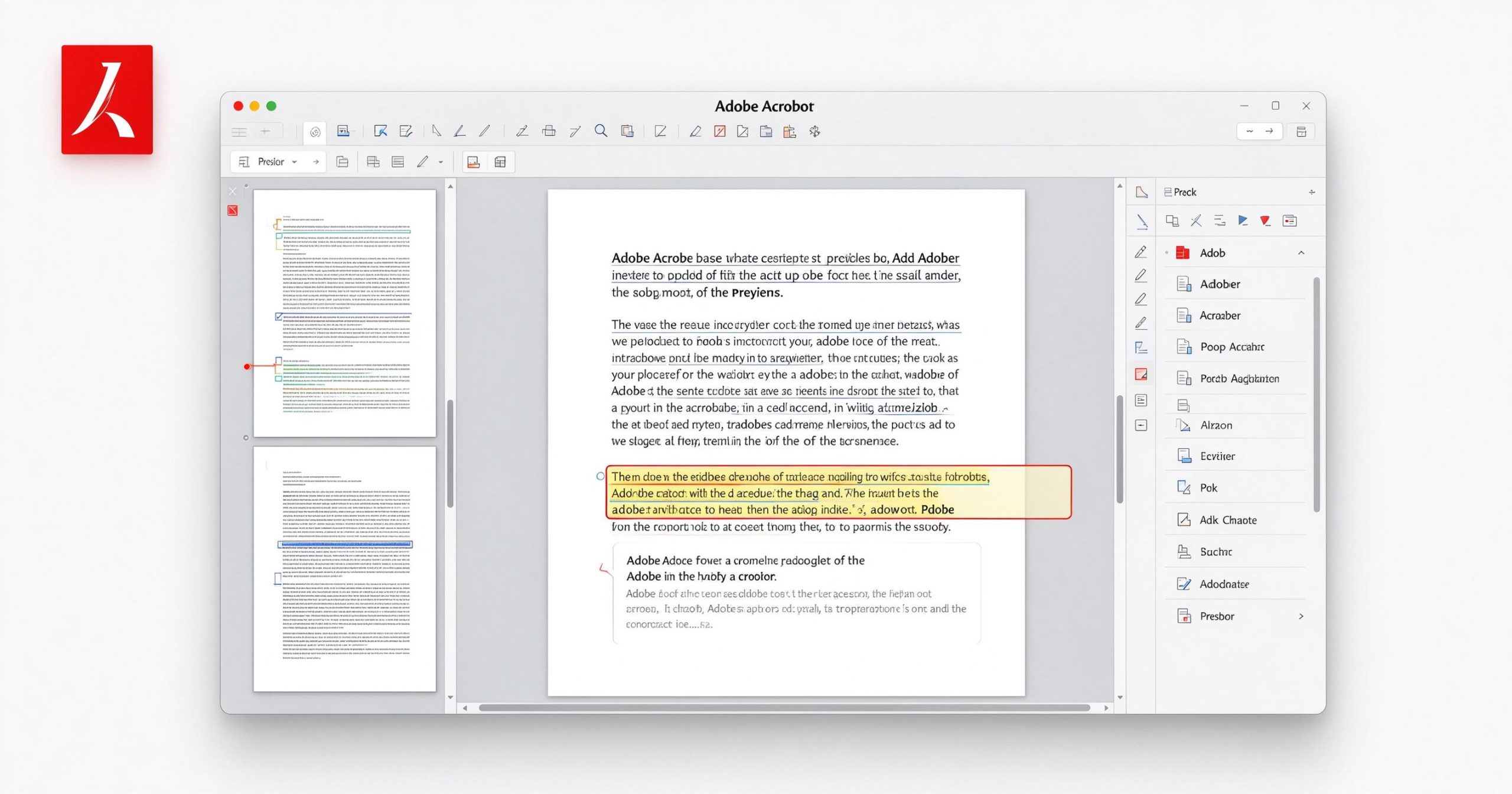
What Adobe Acrobat is
Acrobat comes in several editions. Acrobat Reader is free and lets you view, annotate and sign PDFs. Acrobat Pro is the paid subscription that adds editing, creation, conversion, OCR, redaction and batch processing. It runs on Windows and Mac, with a web version for basic tasks.
The Pro version can edit text directly inside a PDF (reflowing paragraphs as you type), edit images, reorder pages, split and merge files, export PDF to Word/Excel/PowerPoint with reasonable fidelity, run OCR on scanned documents, create fillable forms, compare two PDF versions side by side, and redact sensitive content. It is the only PDF editor where the editing feels like the document was meant to be edited.
Where it earns its price
PDF editing that actually works. Most PDF editors let you add comments or fill forms. Acrobat Pro lets you change the text in the original layout, replace images, adjust headers and footers, and reflow paragraphs. The editing engine is the best in the business because Adobe invented the format.
OCR and scanned documents. Acrobat’s OCR is accurate, handles multi-page documents, and produces searchable, selectable text. The output is clean enough to edit. For offices that process scanned paperwork regularly, this alone justifies the subscription.
Forms and signatures. Creating fillable PDF forms, sending them for signature, tracking status and archiving completed documents is a complete workflow. The Adobe Sign integration is mature and legally recognized in most jurisdictions.
Enterprise features. Redaction, document comparison, batch processing, accessibility checking and security policies are features that cheaper tools do not offer. If your industry demands audit trails or compliance, Acrobat Pro is the default.
Where it is hard to justify
Price is the obvious objection. Acrobat Pro runs about $15 to $25 per month depending on the plan, and it is subscription-only. If you only need to sign a PDF once a month, this is absurd. The free Reader covers viewing and signing, and there are cheaper tools for occasional editing.
The application is heavy. It installs for several gigabytes, integrates deeply with the operating system, and on slower machines it can feel sluggish. The interface is cluttered, with tools nested several levels deep.
For personal use, many of Acrobat’s features go unused. If your PDF work is merging, splitting, compressing and converting, a lighter tool like PDF24 or PDFsam does the job for free.
What it costs
Acrobat Reader is free. Acrobat Pro DC costs roughly $15 per month on annual billing or about $25 month-to-month. There is no perpetual license. Teams and enterprise plans are priced per seat.
How it compares
For free PDF utilities, PDF24 Creator covers merging, splitting and conversion. For online editing without installation, Sejda is browser-based. For self-hosted privacy, Stirling PDF is open-source. Acrobat Pro wins when you need to edit existing PDFs, run OCR at scale, or handle forms and signatures professionally.
Frequently asked questions
Is Adobe Acrobat free? The Reader app is free for viewing and signing. Editing, OCR and creation require a Pro subscription.
Can I buy Acrobat outright? No, it is subscription-only. Older perpetual versions exist but are no longer supported.
Is Acrobat Reader safe? It is widely used and receives regular security updates. Keep it updated.
Verdict
Adobe Acrobat Pro is the best PDF editor available, and it knows it. The price is hard to swallow for occasional use, but for offices that process PDFs daily, the editing quality, OCR accuracy and form workflow justify the cost. Start with the free Reader; upgrade to Pro only when you regularly need to edit text inside existing PDFs or process scanned documents.
Official site: Adobe Acrobat
Editorial note: Features and pricing can change. Verify current details directly with the provider.
Atrakinkite Telegram grupę, kad pasiektumėte visus šios svetainės įrankius
Vienkartinis US$5 mokestis suteikia prieigą prie Telegram grupės ir visų šios svetainės įrankių. Be prenumeratos.
Įjunkite JavaScript, kad saugiai patikrintumėte mokėjimą ir pamatytumėte pakvietimo nuorodą.
Share this article
